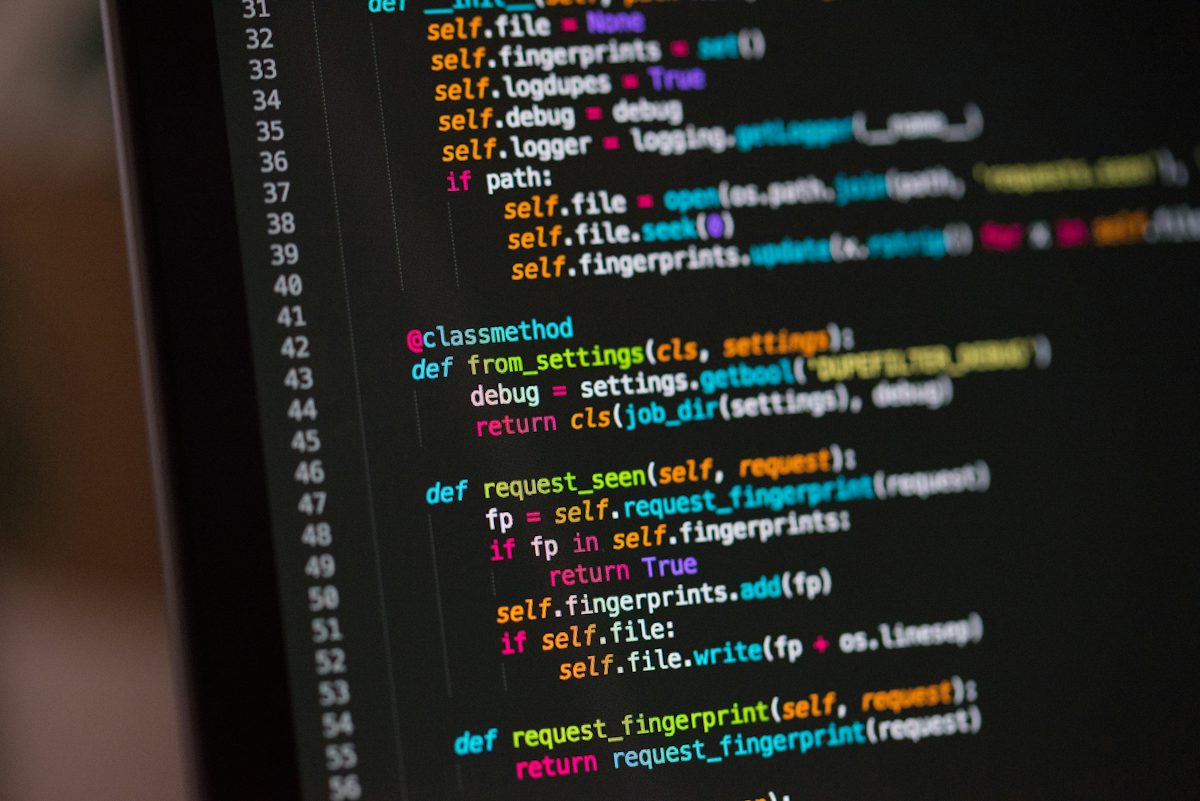
Every developer has done it. You are stuck on an error, you search the exact message, a Stack Overflow answer from 2014 has 400 upvotes, and you copy the code block into your project. It works. You move on.
Six months later, that same snippet causes a production incident at 10 PM on a Friday. Nobody on the team remembers where it came from. Nobody knows why it was written that way. It just broke.
Copy-pasting from Stack Overflow is not the problem. Not understanding what you paste is.

What you are actually copying
A Stack Overflow answer is a snapshot of one person solving one specific problem in one specific context. It is not production-ready code. It may:
- Use outdated library versions
- Contain security vulnerabilities that were disclosed after the answer was written
- Rely on environment variables or file paths that do not exist on your machine
- Handle errors poorly, or not at all
- Assume permissions, locales, or configurations your server does not have
When you paste without reading, you import all of those assumptions into your codebase.
The debugging debt
Code you write yourself, you can debug. You know the logic. You know where the variables come from. Code you paste from the internet, you cannot debug easily. When it fails, you are reading someone else’s mental model without the person there to explain it.
This creates debugging debt. The more snippets you paste without understanding, the more mysterious your codebase becomes. Eventually, a simple bug takes four hours because nobody knows where the data entered the system.
How to use Stack Overflow safely
You do not need to stop using it. You need to treat it as a reference, not a source code repository.
- Read the full answer, not just the code block. The explanation often contains the constraints and edge cases the code does not handle.
- Check the date and the votes. An answer from 2012 may use deprecated APIs. High votes mean it worked for many people, not that it is correct for your case.
- Type it out manually. Copy-paste removes friction. Typing forces you to read every line and notice what each part does.
- Run it in isolation first. Create a test file or a sandbox project. Confirm it behaves the way you expect before it touches your application.
- Add a comment with the source. If you keep the snippet, link to the question so the next developer knows where it came from and why.
The rule
If you cannot explain what a line of code does to a teammate, you should not deploy it. It does not matter where the line came from.
Stack Overflow is a tool for learning how to solve the problem, not for downloading the solution.
Leave a Reply